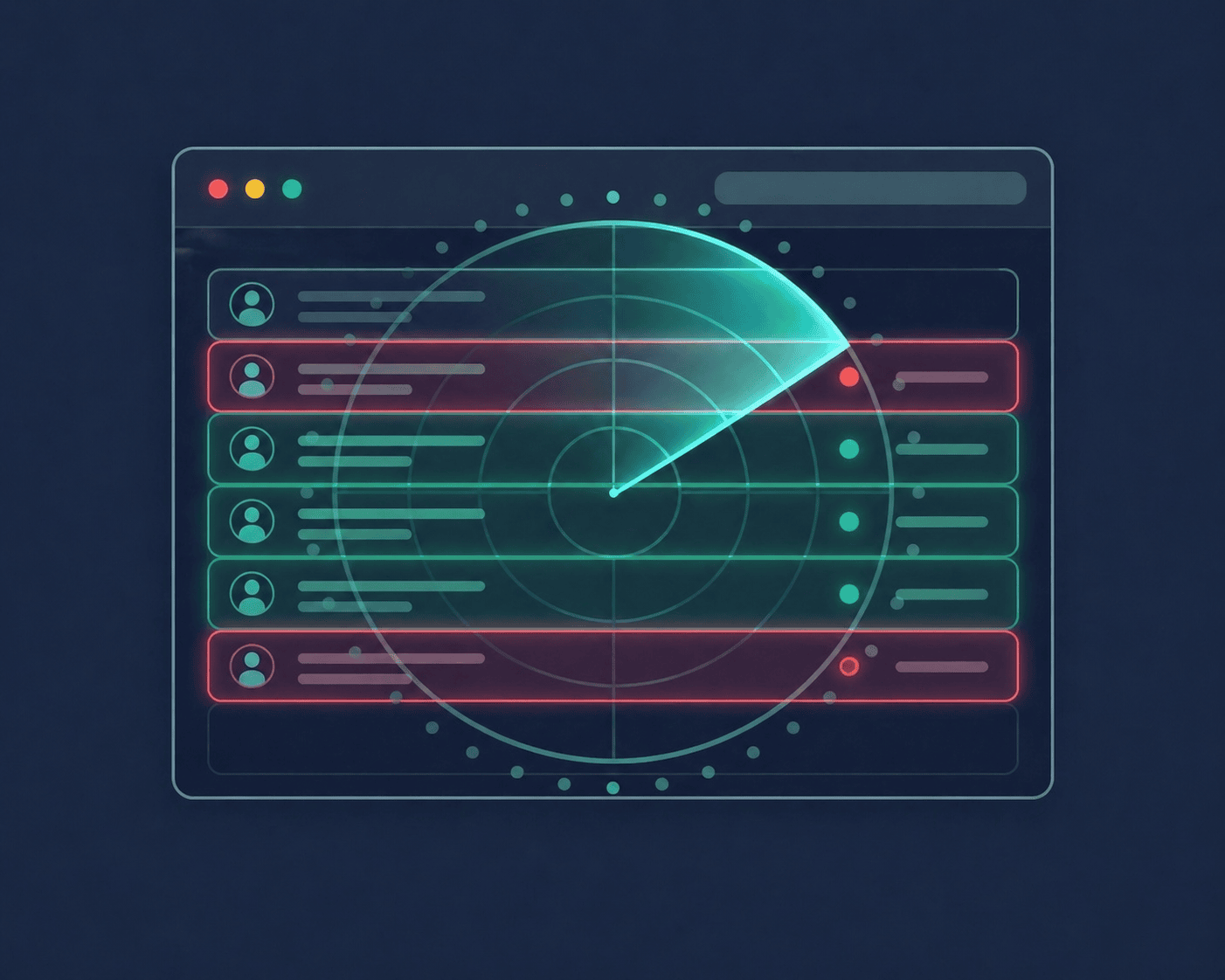
Manually counting who submitted takes time you don't have. ClassWatcher scans your D2L Brightspace assignment pages and shows you every missing student in seconds, then lets you message parents or students right from the same screen.
Read more: PIPEDA · FERPA · CASL compliance

Import your class once, then open any assignment or quiz page and ClassWatcher automatically shows you every student who hasn't submitted. No per-page setup, no clicking through rosters, no counting. Just open the page and it's done.
The moment you open an assignment or quiz page, ClassWatcher's panel appears automatically. No new tabs, no switching windows. Missing students are listed right there, where you're already working.
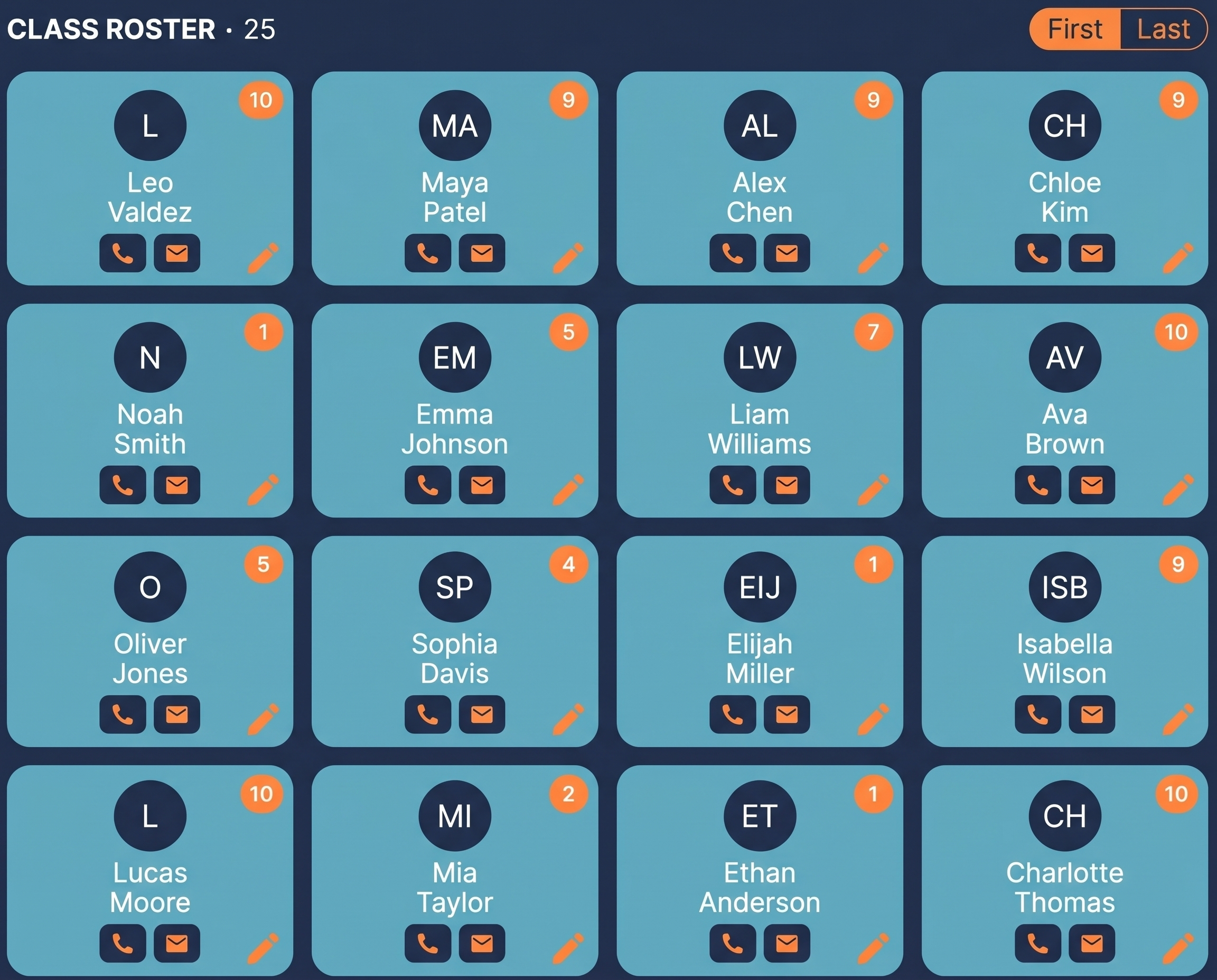
Every student in your class is displayed in a clean grid showing exactly which assignments they've submitted and which are missing, all at a glance from one screen.
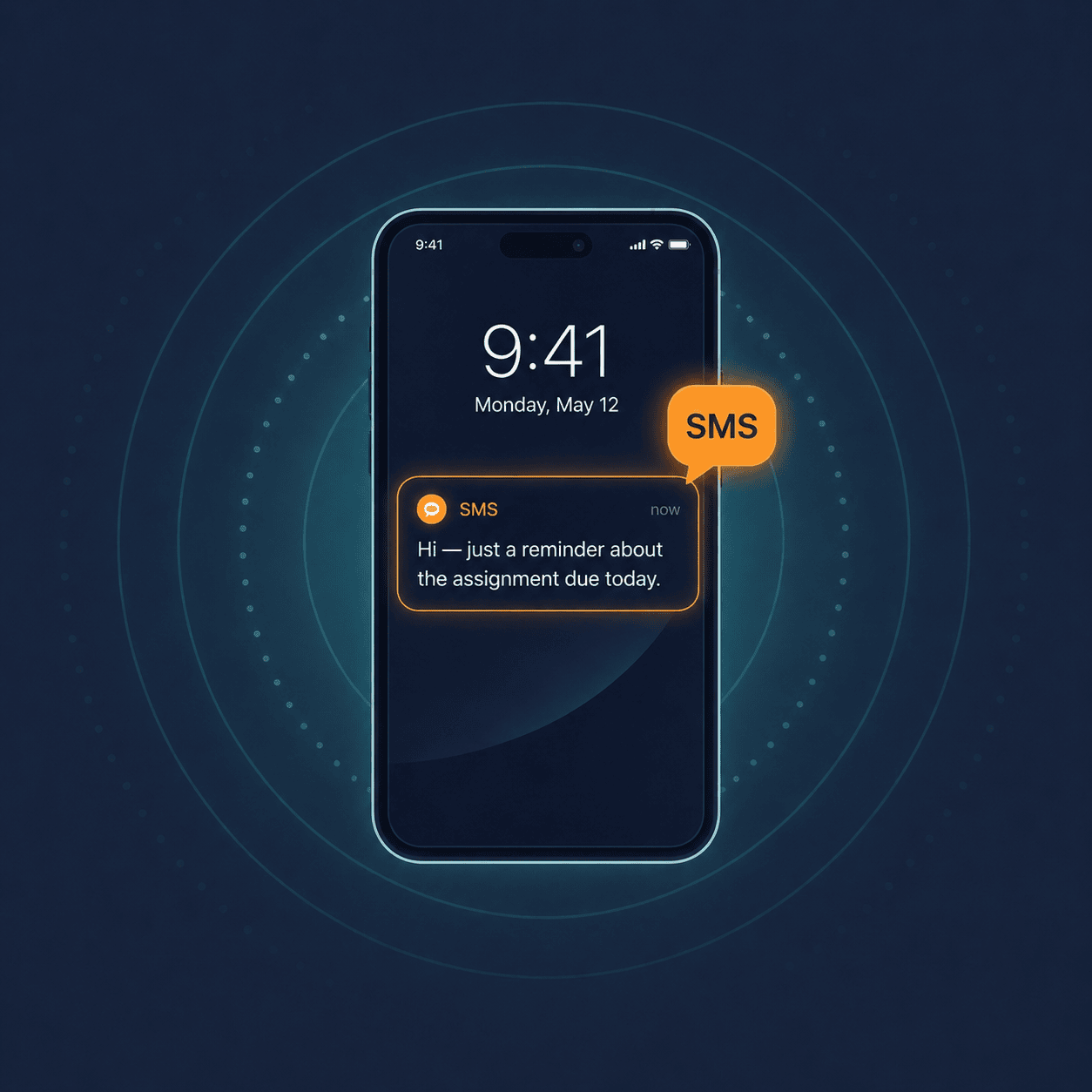
When a student is missing an assignment, select them and send a personalized SMS or email reminder directly from ClassWatcher. No switching apps, no copying numbers. Just one tap and they're notified.
With one click, ClassWatcher pushes your entire missing-work grid straight into a Google Sheet. Every student, every assignment, colour-coded with ✓ and ✗, ready to share with admin, paste into a report, or keep as a record.
| Student | Persuasive Essay: Submission Summary | Unit 4 Quiz: Grade Summary | Missing | Total |
|---|---|---|---|---|
| Jake Rivera | ✗ | ✗ | 2 | 2 |
| Lucas Chen | ✗ | ✗ | 2 | 2 |
| Sofia Okafor | ✗ | ✓ | 1 | 2 |
| Noah Brennan | ✓ | ✗ | 1 | 2 |
| Aisha Patel | ✓ | ✗ | 1 | 2 |
| Emma Thornton | ✓ | ✓ | 0 | 2 |
| Priya Nair | ✓ | ✓ | 0 | 2 |
I used to spend 20 minutes before every class manually checking who submitted. Now I glance at ClassWatcher, spot the red tiles, and send a quick text before the bell even rings. It's changed how I start every period.
Beta tester, Ontario secondary school
Built by a teacher, for teachersBeta is completely free until July 31, 2026. No credit card required.
Perfect for individual teachers just getting started.
For teachers who want unlimited access and full history.
For departments and schools with multiple teachers.
Need more credits? Add-on packs: 100 credits $5 · 300 credits $12 · 500 credits $17
ClassWatcher activates on specific pages — not every Brightspace page.
For a quiz: you must be on the Grade Quiz page — the one that lists all student submissions. Open the quiz and click the Grade Quiz button. Just clicking the quiz name to read its description won't work.
For an assignment: you must be on the Submissions page — the one that shows every student's submission status. Opening the assignment description page isn't enough.
Shortcut: go to the assignment list or quiz list page and use the Watch buttons ClassWatcher adds beside each row — no need to open each one individually.
Yes — ClassWatcher is completely free during the beta period until July 31, 2026. No credit card required. Paid plans start at $8/month CAD after that.
ClassWatcher works with any D2L Brightspace setup, including schools with custom domain names. If your school uses a non-standard Brightspace URL, go to Settings → enter your Brightspace URL and follow the prompt to enable ClassWatcher on your domain.
ClassWatcher reads your Brightspace pages locally in your browser — your class lists and student names are never uploaded to our servers. The one exception is messaging: when you text or email a parent, that message goes through our delivery provider and a log is kept for your records.
Free during beta. No credit card. Installs in 30 seconds.
Add to Chrome · Free